




Video content has become one of the most powerful forms of digital communication. From social media platforms and YouTube channels to marketing campaigns and online courses, creators rely heavily on video to connect with audiences. However, producing professional-looking videos requires the right tools. Choosing the right editing software can make the difference between a frustrating workflow and a smooth creative process.
For beginners and content creators, selecting the right software can feel overwhelming because there are dozens of options available. Some tools are designed specifically for beginners with simple drag-and-drop features, while others provide advanced editing capabilities for professional production.
Fortunately, many modern tools combine simplicity with powerful features. The top video editing software for beginners and creators now includes intuitive interfaces, built-in templates, AI-assisted editing, and support for high-resolution video formats. These features allow creators to produce engaging videos without needing years of editing experience.
In this guide, we will explore the top video editing software for beginners and creators, including the features that make them ideal for new editors, how they compare, and which tools best fit different types of content creators.
Why Choosing the Right Video Editing Software Matters
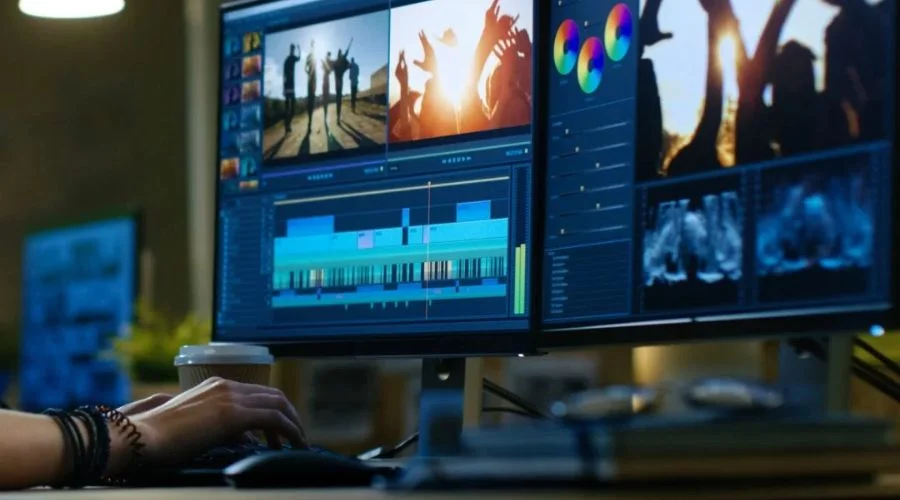
Video editing software is the backbone of any content creation workflow. The right tool allows creators to cut clips, add effects, adjust colour, and export videos in high quality.
When beginners choose the top video editing software for beginners and creators, they gain access to tools that simplify the editing process and reduce the learning curve.
Key benefits of good editing software include:
- Faster video production
- Professional visual effects and transitions
- Better storytelling through editing tools
- Improved audio and colour correction
- Compatibility with multiple video formats
Modern editing tools also integrate artificial intelligence features that automatically organise clips, generate subtitles, or even create initial video drafts.
Features to Look for in the Top Video Editing Software for Beginners and Creators
Before selecting software, it is important to understand which features make editing easier and more efficient.
User-Friendly Interface
The top video editing software for beginners and creators should have an intuitive layout. A simple timeline and drag-and-drop editing make it easier to organise clips and effects.
Built-in Templates and Effects
Templates help beginners create polished videos quickly without needing complex editing skills.
Multi-Platform Compatibility
Many creators work on multiple devices, so software that works across operating systems or mobile devices is often preferred.
Export Options
Good video editors allow exporting videos in different formats, resolutions, and aspect ratios suitable for various platforms.
AI Editing Tools
Many modern editors now include AI tools that help automate tasks such as trimming clips, generating subtitles, or assembling rough cuts automatically.
Top Video Editing Software for Beginners and Creators
Below are some of the most popular and widely recommended tools among the top video editing software for beginners and creators.
Filmora – Beginner-Friendly Editing Software
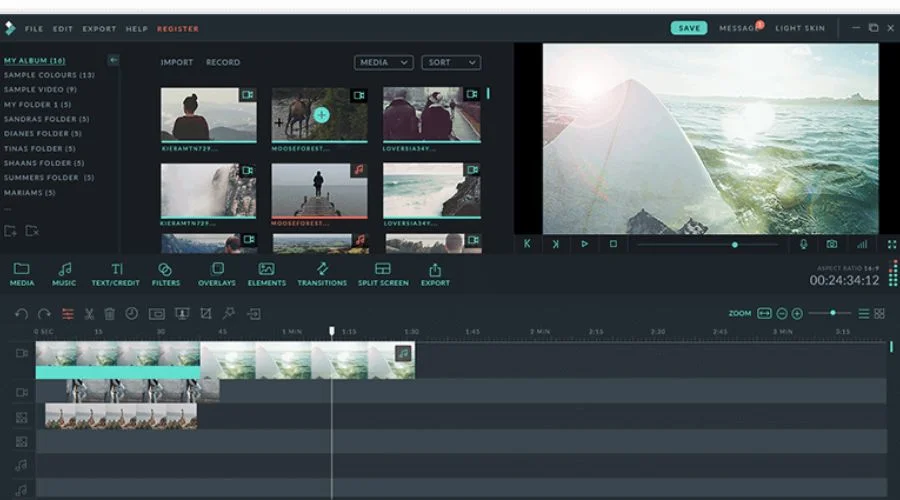
Filmora is widely considered one of the easiest tools for new editors. Its drag-and-drop interface allows beginners to quickly assemble videos while still offering professional features.
Key Features
- Simple drag-and-drop timeline
- Built-in effects, titles, and transitions
- Screen recording tools
- AI editing features
- Audio and colour adjustments
Filmora offers a large library of visual effects and templates that help beginners produce high-quality videos quickly.
iMovie – Simple Editing for Quick Projects
iMovie is a beginner-friendly editor designed for quick and simple video editing. It is widely used by beginners because of its straightforward interface.
Key Features
- Easy drag-and-drop editing
- Built-in cinematic templates
- Support for 4K video
- Automatic video enhancement
For beginners who want to learn the basics of editing, iMovie provides a simple starting point before moving to more advanced tools.
Shotcut – Free Open-Source Video Editor
Shotcut is a powerful open-source editor that works across multiple operating systems.
Key Features
- Multi-format video support
- Advanced audio filters
- Multi-track editing
- Cross-platform compatibility
Shotcut supports many video and audio formats and is designed as a flexible editing platform for creators who want more control over their workflow.
Kdenlive – Advanced Free Video Editing Tool
Kdenlive is another open-source editor that combines professional features with free accessibility.
Key Features
- Multi-track video editing
- Advanced effects and transitions
- Customisable interface
- High-resolution video support
The software supports a wide range of video formats and provides professional editing tools while remaining free and open-source.
VSDC Free Video Editor – Feature-Rich Editing Software
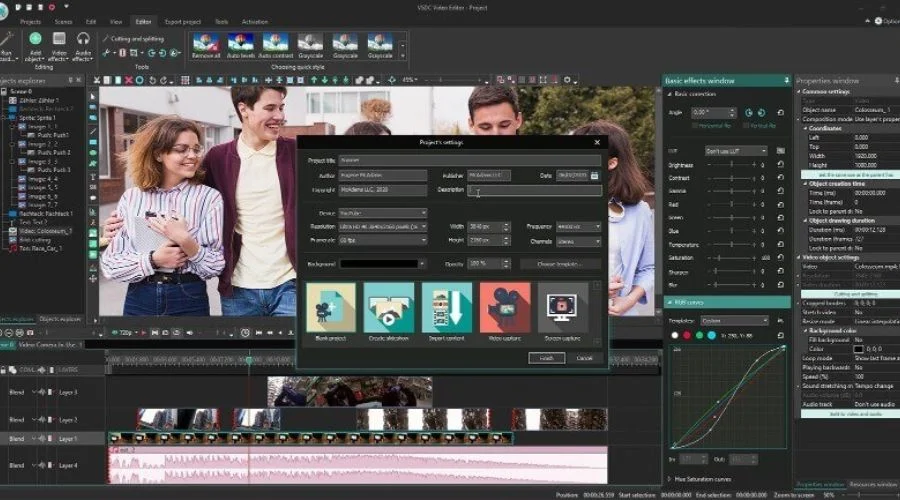
VSDC is a non-linear video editor that supports advanced editing features while remaining accessible to beginners.
Key Features
- Motion tracking
- Colour correction tools
- Screen recording
- 360-degree and VR video support
The editor supports high-resolution footage and various multimedia formats, making it a versatile tool for content creators.
CapCut – Popular Tool for Social Media Creators
CapCut has become extremely popular among content creators, especially for short-form video platforms.
Key Features
- Mobile-friendly editing tools
- AI-generated captions
- Trending video templates
- Easy export for social media
Many creators appreciate its simplicity and quick editing workflow.
Community discussions often highlight how CapCut’s simplicity makes it accessible for beginners while still producing high-quality results.
Adobe Premiere Pro – Professional Editing Platform
Adobe Premiere Pro is considered an industry-standard editing tool used by professional editors, filmmakers, and content creators.
Key Features
- Multi-camera editing
- Advanced colour grading
- Professional audio editing
- Integration with creative software tools
It provides advanced features and powerful editing capabilities, making it suitable for creators who want to grow beyond beginner tools.
How to Choose the Best Video Editing Software
When selecting from the top video editing software for beginners and creators, it is important to choose a tool that fits your goals and editing style.
Consider Your Skill Level
Beginners should start with simple tools that offer templates and automated editing features.
Check System Requirements
Some professional editors require powerful hardware to run smoothly.
Think About Content Type
Different creators have different needs. For example:
- Social media creators may prefer mobile editing apps
- YouTubers may need multi-track editing tools
- Businesses may require professional editing features
Choosing software that matches your content style improves workflow efficiency.
Tips for Beginners Learning Video Editing
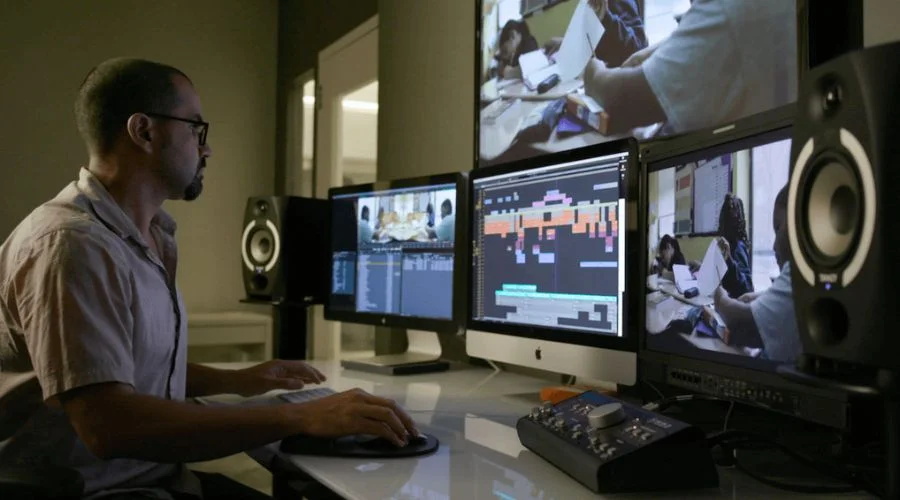
Learning video editing takes time, but beginners can improve quickly by following a few key tips.
Start with Simple Edits
Begin by trimming clips and adding basic transitions before moving to advanced features.
Use Templates
Templates help beginners create professional-looking videos without complex editing.
Learn Keyboard Shortcuts
Keyboard shortcuts significantly speed up the editing process.
Practice Storytelling
Editing is not just about effects—it is about telling a story with visuals and audio.
Conclusion
Video creation continues to grow across digital platforms, making editing skills more valuable than ever. Whether producing content for social media, online education, or professional marketing, having the right editing tools is essential.
The top video editing software for beginners and creators offers powerful features while keeping the editing process accessible. Tools such as Filmora, iMovie, Shotcut, Kdenlive, VSDC, CapCut, and Premiere Pro provide a wide range of options suitable for different skill levels and content types.
Beginners should focus on software that offers simple interfaces, helpful templates, and strong performance. As skills develop, creators can gradually move to more advanced tools with greater editing capabilities.
By selecting the right software and practising regularly, creators can transform raw footage into engaging videos that capture attention and communicate ideas effectively. Choosing the top video editing software for beginners and creators is the first step toward building professional-quality video content.