





In today’s digital world, almost every online service requires an account and password. From banking and email to social media and business platforms, users manage dozens—or even hundreds—of login credentials. Remembering unique and secure passwords for every account can be extremely difficult, which often leads people to reuse passwords or choose weak ones. Unfortunately, these habits significantly increase the risk of cyberattacks and data breaches.
This is where password manager software becomes essential. Password managers securely store login credentials, generate strong passwords, and automatically fill them when needed. Instead of remembering multiple passwords, users only need to remember a single master password while the software handles the rest.
Modern password managers also include advanced security features such as encryption, multi-factor authentication, breach monitoring, and password health reports. In this guide, we will explore the best password manager software to keep your data secure, compare leading tools, and explain how these solutions protect sensitive information online.
What Is Password Manager Software?
Password manager software is a digital security tool that stores and manages passwords in an encrypted vault. Users can securely store login credentials, credit card information, secure notes, and other sensitive data.
These tools typically work by encrypting stored data using strong encryption standards and allowing access only through a master password or biometric authentication.
Most of the best password manager software to keep your data secure includes the following features:
- Secure password storage
- Automatic password generation
- Autofill login credentials
- Cross-device synchronization
- Multi-factor authentication
- Security alerts for compromised accounts
Password managers help users maintain strong, unique passwords for each account, which significantly reduces the risk of hacking or credential theft.
Why Using a Password Manager Is Important
Cybersecurity threats are increasing every year, and weak passwords remain one of the biggest vulnerabilities for individuals and businesses.
Using password manager software provides several important benefits.
Strong Password Creation
Password managers can automatically generate complex passwords that are difficult for hackers to crack.
Protection Against Password Reuse
Many people reuse the same password across multiple accounts. Password managers eliminate this risk by generating unique passwords for every website.
Secure Encryption
Most password managers use strong encryption methods such as AES-256 or similar algorithms to protect stored data.
Automatic Login
Password managers can automatically fill login forms, saving time while maintaining security.
Breach Monitoring
Some password managers monitor the dark web and alert users if their credentials are exposed in data breaches.
These benefits explain why cybersecurity experts recommend using the best password manager software to keep your data secure.
Best Password Manager Software to Keep Your Data Secure
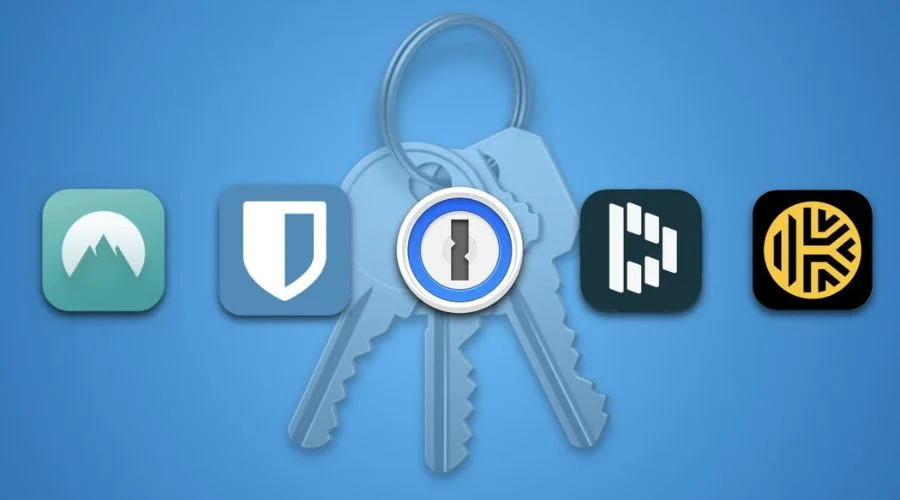
Several password managers stand out because of their security features, usability, and cross-platform support.
Bitwarden
Bitwarden is one of the most popular open-source password managers available today. It offers strong security, affordability, and transparency.
Key Features
- Open-source code for transparency
- AES-256 encryption and zero-knowledge architecture
- Unlimited password storage
- Cross-platform support
- Built-in password generator
Bitwarden’s free plan is particularly attractive because it includes unlimited password storage and synchronization across devices.
Because of its strong security model and affordability, Bitwarden is widely considered among the best password manager software to keep your data secure.
Dashlane
Dashlane is another widely trusted password manager known for its user-friendly interface and advanced security features.
Key Features
- AES-256 encryption
- Dark web monitoring
- Built-in VPN for additional privacy
- Password health dashboard
- Secure password sharing
Dashlane is particularly useful for users who want additional privacy tools integrated with their password management system.
NordPass
NordPass is developed by the creators of NordVPN and focuses heavily on security and simplicity.
Key Features
- XChaCha20 encryption
- Password health reports
- Autofill and autosave features
- Secure password sharing
- Cross-device syncing
NordPass is known for its strong encryption technology and clean user interface.
1Password
1Password is a premium password manager widely used by individuals, families, and businesses.
Key Features
- Travel mode for hiding sensitive data
- Watchtower security alerts
- Multi-device synchronization
- Secure password sharing
- Advanced encryption architecture
Many businesses choose 1Password because of its security features and excellent team collaboration tools.
Keeper
Keeper is a highly secure password manager designed for both personal and enterprise use.
Key Features
- AES-256 encryption
- Biometric login
- Secure password sharing
- Dark web monitoring
- Role-based access for businesses
Keeper is often recommended for companies that need enterprise-level security features.
RoboForm
RoboForm is known for its powerful autofill technology and ease of use.
Key Features
- Advanced form-filling capabilities
- Secure password storage
- Password generator
- Cross-platform support
- Data breach monitoring
RoboForm remains a strong choice for users who frequently fill online forms and want seamless login automation.
Key Features to Look for in Password Manager Software
Choosing the best password manager software to keep your data secure requires evaluating several important features.
Strong Encryption
Look for password managers that use advanced encryption such as AES-256 or XChaCha20.
Zero-Knowledge Architecture
This security model ensures that even the service provider cannot access your stored data.
Multi-Factor Authentication
Additional authentication methods, such as biometrics or authentication apps, provide extra security layers.
Cross-Platform Compatibility
A good password manager should work on desktop computers, smartphones, tablets, and web browsers.
Password Health Monitoring
Some tools analyze stored passwords and alert users about weak or reused credentials.
How Password Managers Improve Online Security
Password managers significantly enhance online security in several ways.
Preventing Phishing Attacks
Password managers only autofill credentials on legitimate websites, helping users avoid phishing scams.
Generating Unique Passwords
Automatically generated passwords reduce the risk of password guessing and brute-force attacks.
Encrypted Storage
All stored credentials are encrypted before being saved, ensuring that even if data is intercepted, it cannot be read without the master key.
Secure Sharing
Many password managers allow secure sharing of credentials with trusted contacts or team members.
These capabilities demonstrate why cybersecurity professionals recommend using the best password manager software to keep your data secure.
Limitations of Password Managers
Although password managers provide strong security benefits, they also have some limitations.
Single Point of Access
If someone gains access to your master password, they could potentially access all stored credentials.
Learning Curve
Some users may find password manager interfaces complex when using them for the first time.
Dependence on Software
Users rely on the password manager’s security infrastructure and updates.
Despite these limitations, password managers remain one of the most effective tools for improving online security.
The Future of Password Management
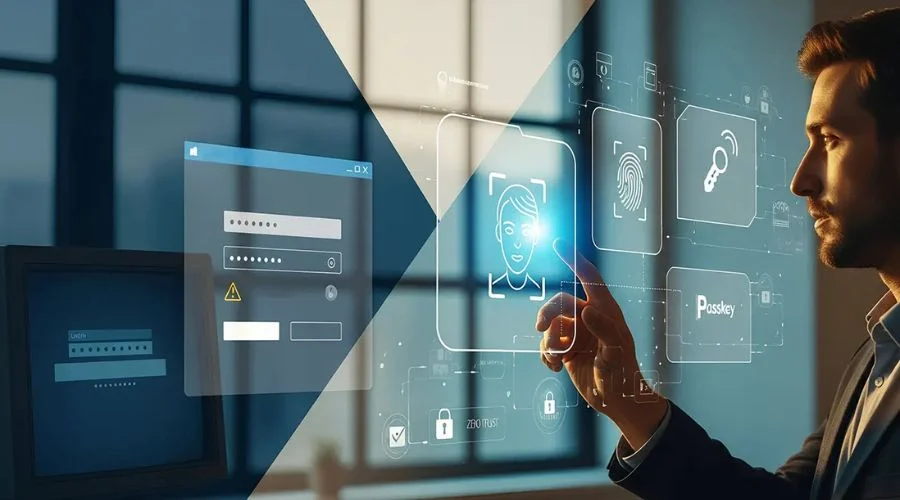
The future of password management is evolving toward passwordless authentication systems. Technologies such as passkeys and biometric authentication are gradually replacing traditional passwords.
Some modern password managers already support passkeys and passwordless login systems, allowing users to authenticate using fingerprints, face recognition, or hardware security keys.
As cybersecurity threats continue to evolve, password management tools will remain an essential part of protecting digital identities.
Conclusion
Managing dozens of online accounts without proper security tools can put personal and business data at risk. Password manager software provides a simple yet powerful solution for protecting login credentials and sensitive information.
When choosing the best password manager software to keep your data secure, options such as Bitwarden, Dashlane, NordPass, 1Password, Keeper, and RoboForm stand out for their advanced encryption, security monitoring, and cross-platform compatibility.
These tools not only simplify password management but also significantly strengthen online security by generating strong passwords, preventing credential reuse, and detecting potential data breaches.
By adopting a reliable password manager, users can protect their digital accounts, reduce cybersecurity risks, and maintain better control over their online identity.

